If you are just starting out with generating 3D-images, it is easy to get overwhelmed.
There are lots and lots of 3D software that seem to do very similar things – but not quite – and it is really unclear which one is right for you.
To find the best 3D image software, you must first buy my
Shiba 3D-Software E-book!
Just Kidding!
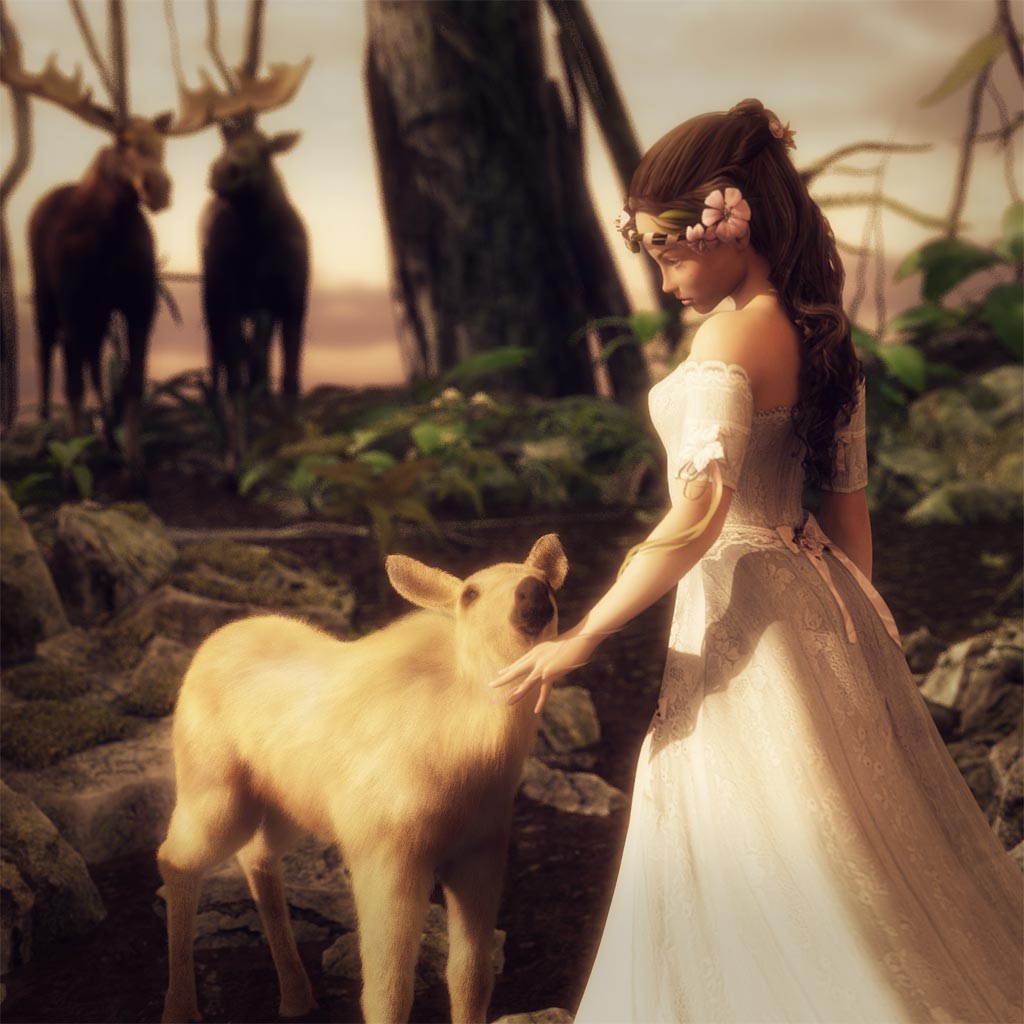
Originally, my goal was to find something simple that I could use to quickly generate high quality 3D-images of figures and some simple backgrounds. In particular, I wanted to use these 3D-images for my online articles and blogs.
I started with Poser 7, got some great 3D-models from Daz3D and started having a lot of fun creating 3D-images. I chose Poser because I had used it briefly a few years back, and wanted to go with something I was familiar with.

Should you use Poser as well?
If I had to do it over again, at this time, I would not start with Poser. Instead, I would download a free version of Daz Studio and start generating images with that first.
Below, I will go through my experiences with Poser, Carrara, and Daz Studio, and talk about why I am currently back on Daz Studio.
Poser
One of the biggest advantages of Poser, in my opinion, is that it has been around for a long time, therefore, there is a lot of content for it. Many vendors are very familiar with Poser, and there are loads of 3D-products that are available for the platform. In addition, it has a powerful dynamic cloth system, and a great material room (i.e. shaders).
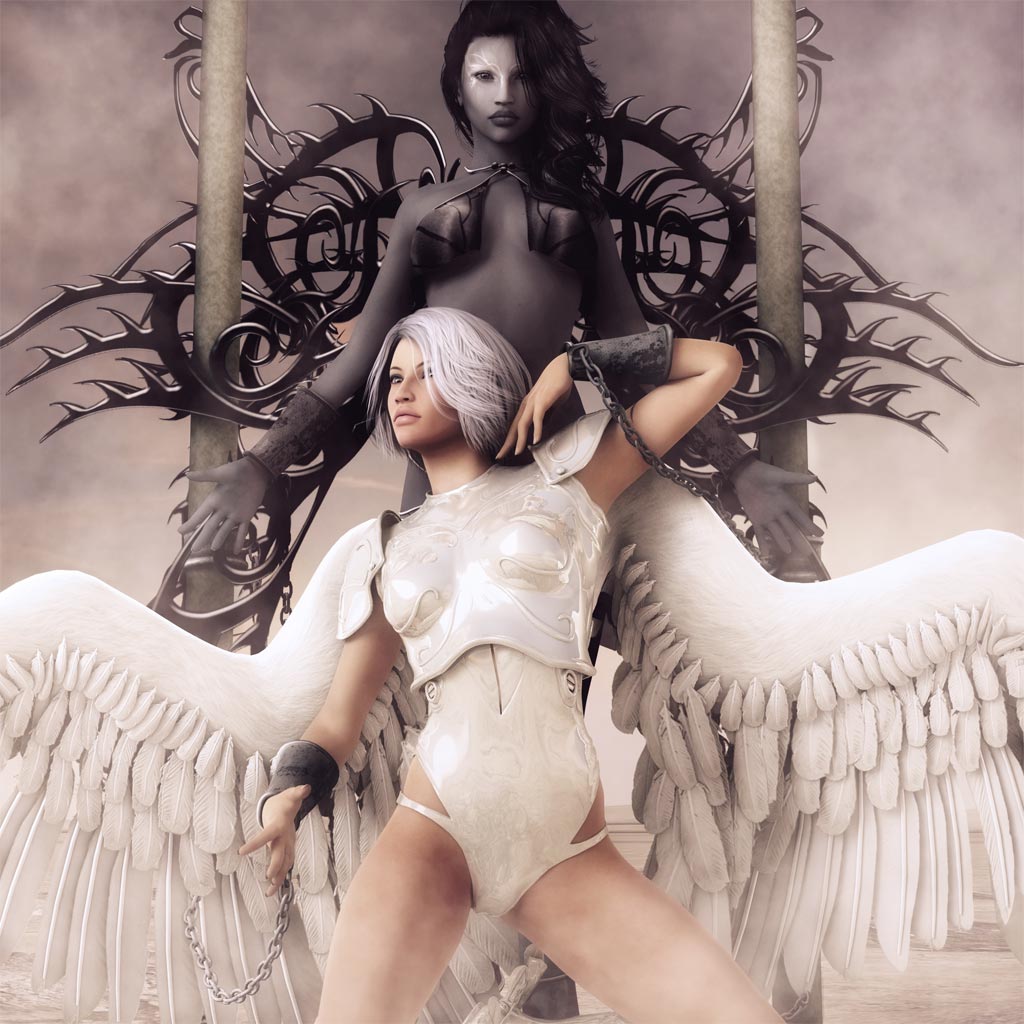
I moved away from Poser mainly because rendering time was really long. Anything more than a simple figure took a long time to render, and the direct manipulation interface (e.g. posing and navigation) slowed down significantly for me as well. It became extremely painful to create, pose, and render even fairly simple scenes. I really wanted something that would give me greater control of the object polygons, smoother interface control, as well as faster rendering.
Note though, that I haven’t used Poser in several years, therefore my Poser experiences are based on Poser 7 and 2008 computer hardware.
More recently, I decided not to move back to Poser, mainly because of the Genesis figure. One of the largest places for low cost 3D models is at Daz3D. More importantly, Daz also produces very popular human base models, such as their well known Victoria and Michael lines. Most of the outfits and accessories produced by 3D vendors support these two character lines. Earlier versions of Victoria and Michael are fully Poser compatible.
However, recently, Daz released a new generation of models based on their Genesis technology. In particular, generation 5 and above Victoria and Michael figures are now based on this new technology. While there is a format transfer solution for Poser, these figures and the clothing autofit tool that gives it a lot of flexibility, work best in Daz Studio.

Carrara
After using Poser for several months, I decided to make the switch to Carrara at the end of 2009. As I described earlier, I wanted a faster renderer and more control of my object polygons. While on sale, Carrara 7 was comparable in price to Poser, and at the time I liked it a lot better than Poser.
Why?
- Carrara was much faster than Poser.
- I liked Carrara’s posing controls more than Poser’s. Carrara runs more smoothly than Poser on my computer, which makes it significantly easier to pose figures and clothing. I had difficulty using Poser’s direct manipulation controls because of the significant time lag.
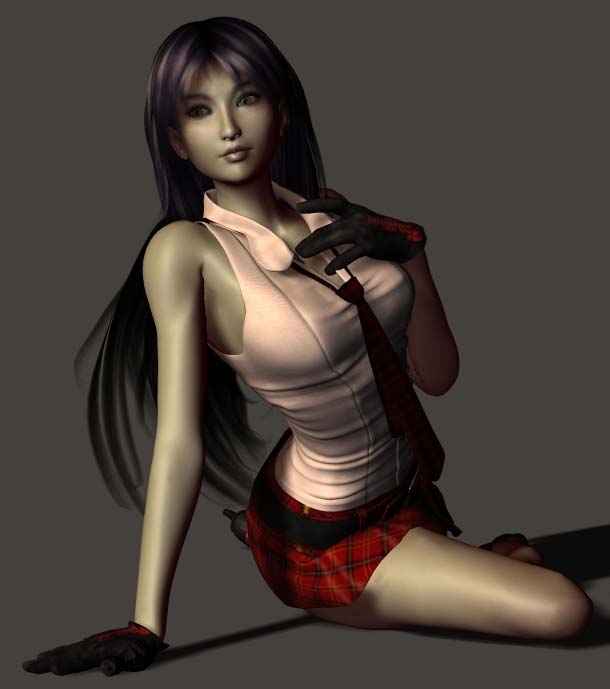
- I liked Carrara’s rendering quality a lot more than Poser’s. Rendering speed is also much faster in Carrara compared to Poser. For example, the image below is generated using Carrara 7 with post-work in Photoshop.
- Because of lag, doing more complex backgrounds in Poser is difficult and unpleasant. In contrast, Carrara is much better at handling backgrounds, as well as supports terrains and environmental effects.
- Carrara has good support for shaders (e.g., character, object, and clothing textures). In addition, there are a variety of pre-built shaders in Carrara and you can purchase more from Daz. With better textures, you can generate higher quality, and more realistic looking 3D images.
- Carrara supports a much larger range of functions compared to Poser. The biggest one for me is the ability to do vertex editing. You may think that you do not want to mess around with vertices, but it is very nice to have the ability to tweak little things such as making a shirt slightly longer or shorter, slightly changing the shape of an object, etc.
Ultimately I really wanted the ability to change the faces of my characters.

I figured that Carrara will easily grow with me as I gain more 3D experience, and want to do more with 3D art.
One of the key weaknesses of Carrara (as of Carrara 8.5) is that it does not support dynamic cloth (which is supported by Poser and Daz Studio). However, you can drape the clothing within Daz Studio and import that into Carrara.
** I am not sure how well it will work when animated within Carrara because it will no longer be dynamic.
Daz Studio
However, at the end of 2013, I decided it was time for a switch to Daz Studio. One of the key reasons for this is that Daz is no longer putting much effort into developing Carrara. It took more than a year after the release of Genesis, before it was supported in Carrara (version 8.5). In addition, the autofit tool which really gives the Genesis figures its super powers does not work well in Carrara 8.5.
In addition to all this, it seems like Daz is focusing their main software efforts on Daz Studio, which now has some great global illumination options, sub-surface scattering, scene instancing, collision detection, sub-division surfaces, and more. In addition, Daz Studio has since collected a fairly large following, and there are now a lot of vendor products available for it. This is in contrast to Carrara which has very slow updates, limited new features, and a lot fewer vendor offerings.
In addition, Daz Studio is currently free, so I decided to make the leap.

I could not be happier with that decision. In addition to the new features, tools, and greater amount of vendor content,
- I found that doing lights in Daz Studio is much easier than in Poser or Carrara. I was able to get up and running really quickly because of the awesome light primitives that come with Daz Studio 4.6 (which I got for free!).
- The Daz Studio 3Delight renderer is nice and fast. In addition, if we want to use an unbiased renderer later on, to produce more realistic looking results, there are plugins for those in Daz Studio.
- The Daz Studio interface is smooth and easy to learn. I am able to navigate my scenes well, even with more complex background scenes and elements.
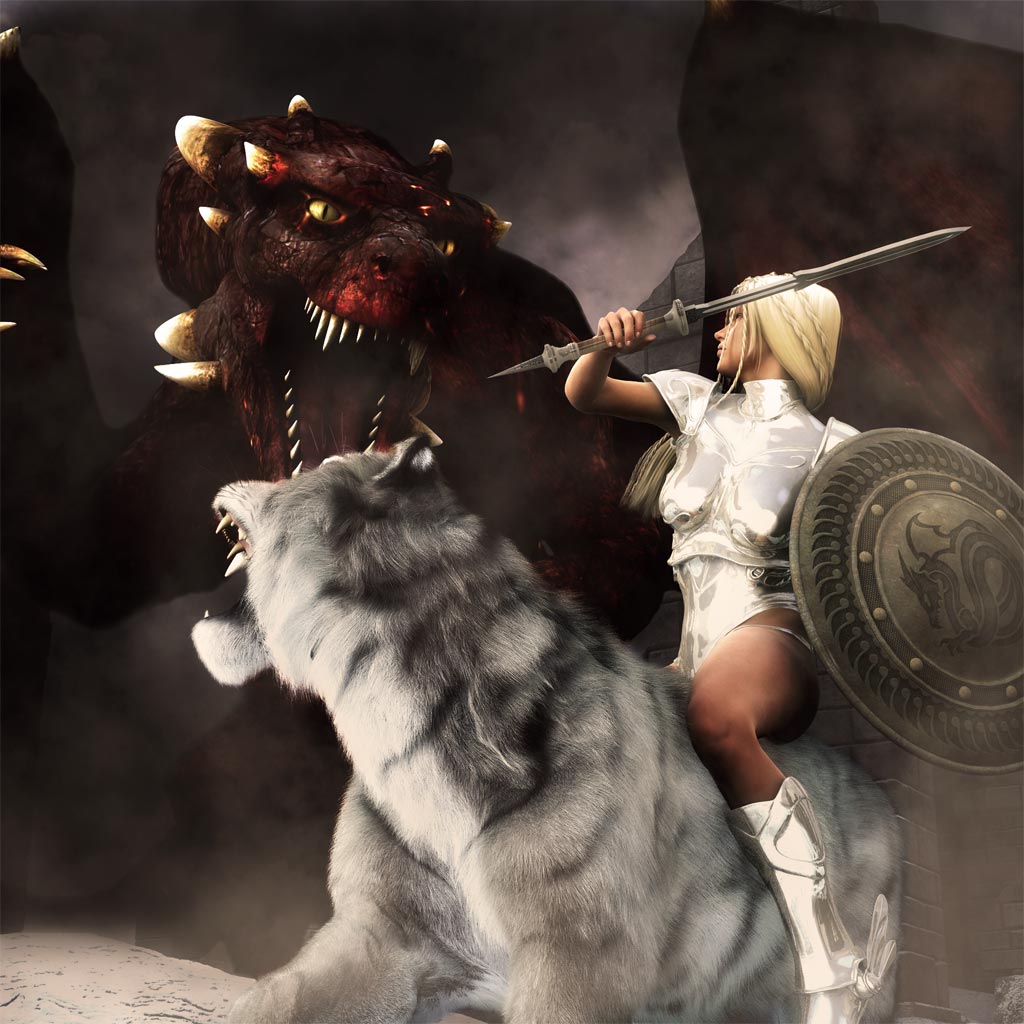
Previously in Carrara, I would render each figure separately and then compose them with various backgrounds in Photoshop. However, since switching to Daz Studio, I am now rendering the entire scene together. The faster rendering speed, simple interface, and great lighting system has allowed me to start doing this fairly quickly. Rendering the entire scene is best because it allows for more interesting camera angles as well as lighting.
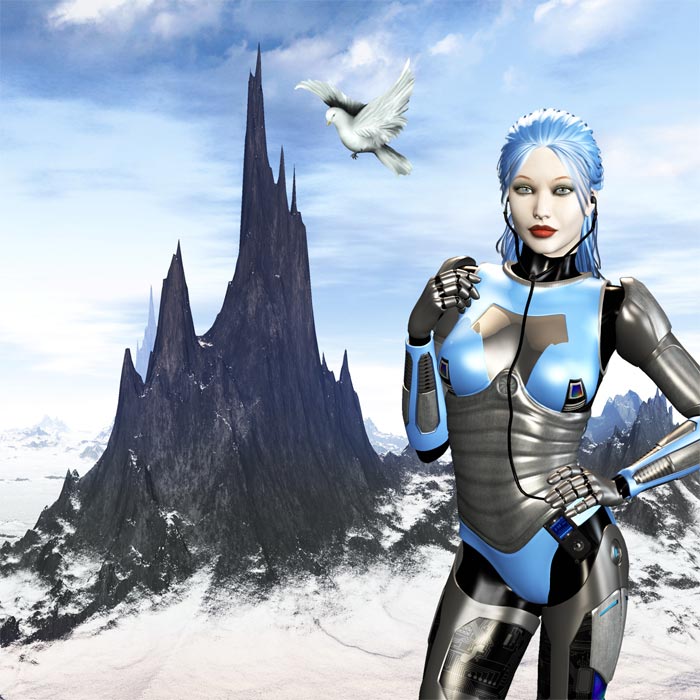
Here is my Daz Gallery, which contains many of the recent renders that I made using Daz Studio 4.6 Pro. In contrast, my Renderosity gallery contains my older renders that I did in Carrara. Even just from the renders included in this article, it is clear, I think, that there is a big improvement in what I can create.
If you are new to Daz Studio, I have just written a few tutorials for beginners based on my recent experiences –
- How to Create Fantasy Art in Daz Studio.
- Tips and Tricks for Daz Studio Beginners.
- How to Combine Multiple Poses in Daz Studio.